
Excel
Issues
Numbers are unwillingly converted to dates
- Excel is configured to recognize dates and change the formatting of a cell automatically, whenever it recognizes a date.
- Sometimes the recognition is faulty, which results in cells being formatted as dates, even though it is just a number.
- There are two approaches to fix the issue:
- Format all the cells before inserting numbers (select either "standard" or "number"):
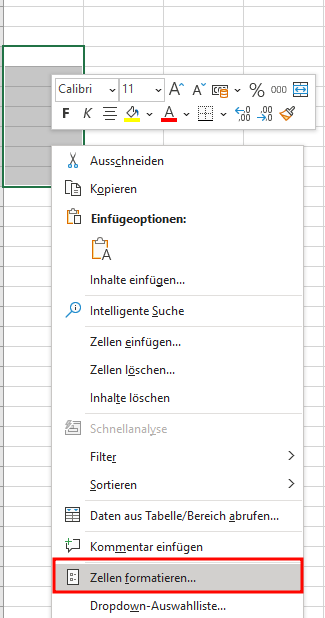
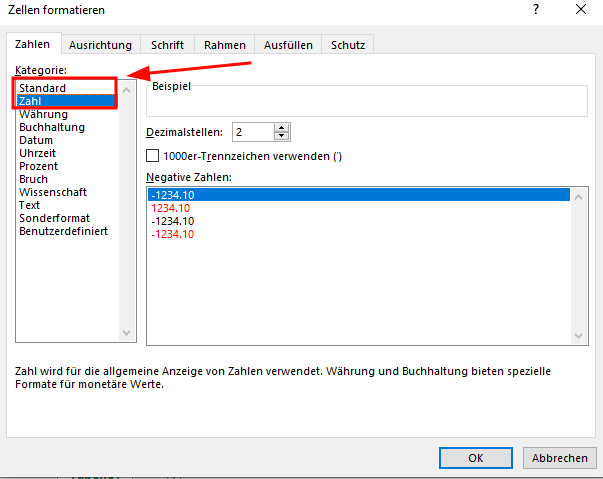
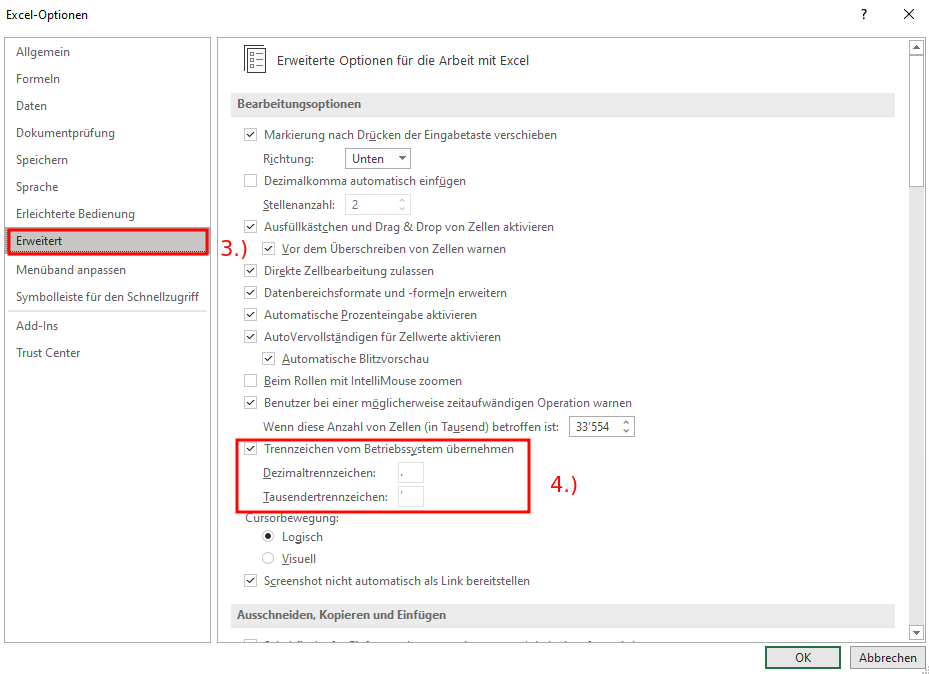
- Change decimal & thousands separator (regional settings):
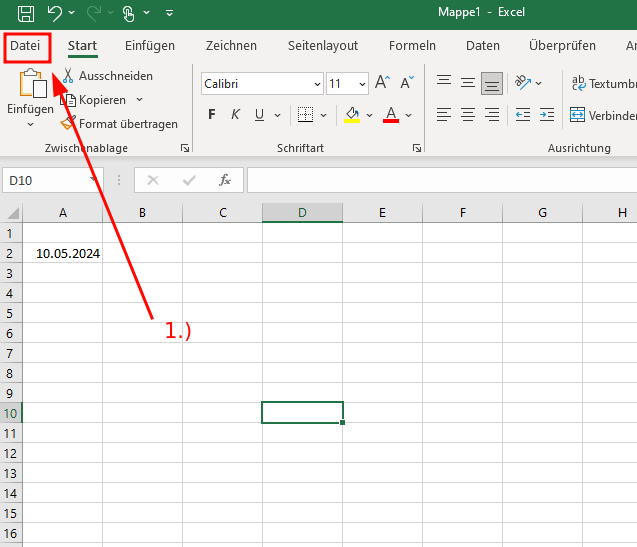
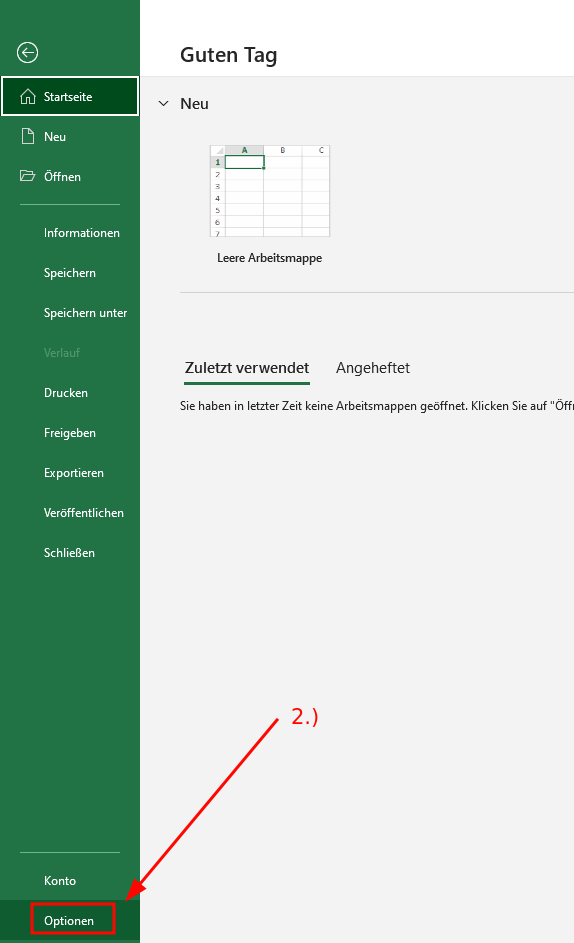
- Click File > Options
- On the Advanced tab, under Editing options, clear the "Use system separators" check box
- Type new separators in the "Decimal separator" and "Thousands separator boxes"
No comments to display
No comments to display