
Setup for Microsoft Office 365
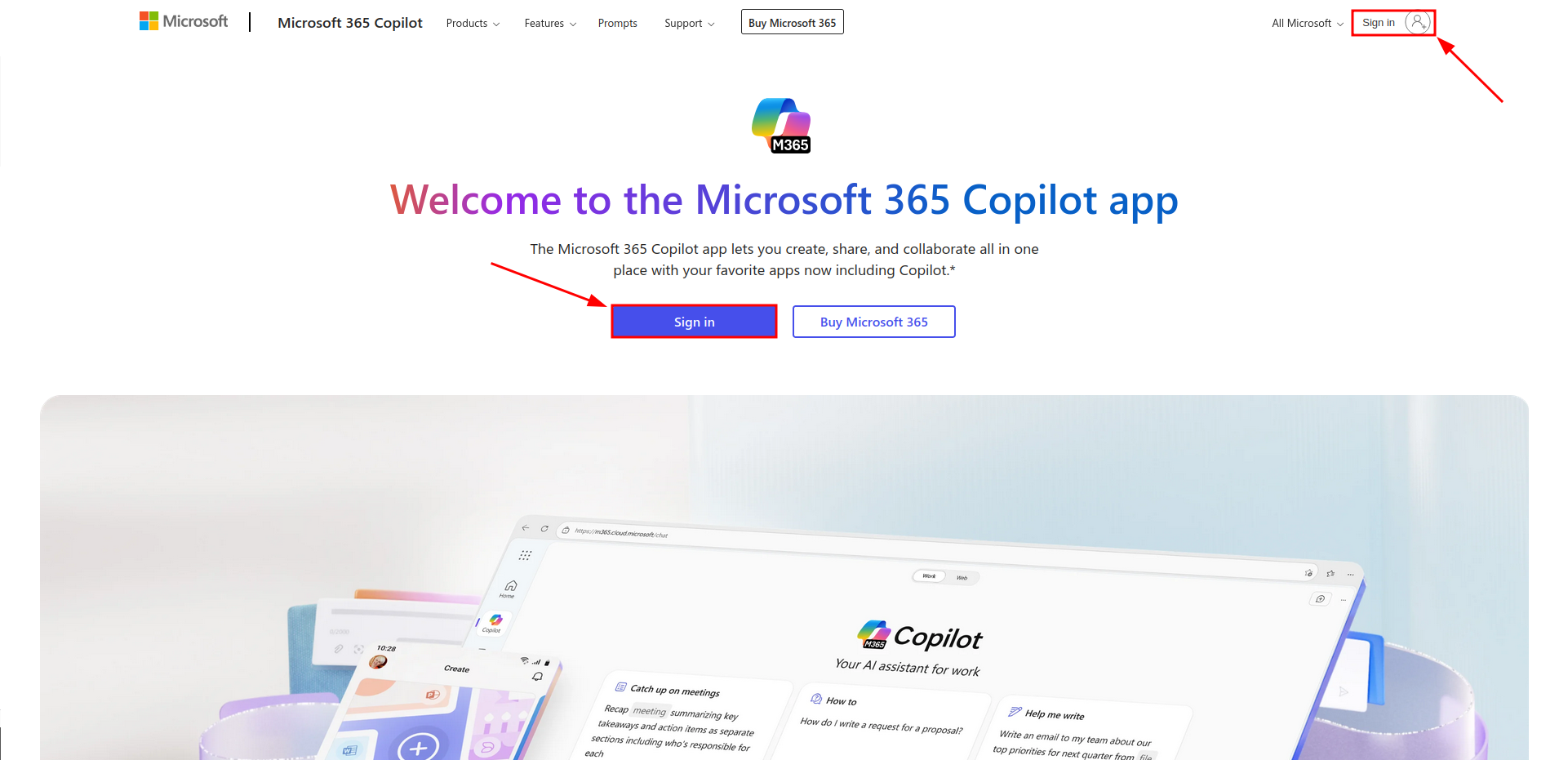
Open Office 365: https://www.office.com/.
- Sign in with the UZH Microsoft Account (in the center or on the top right).
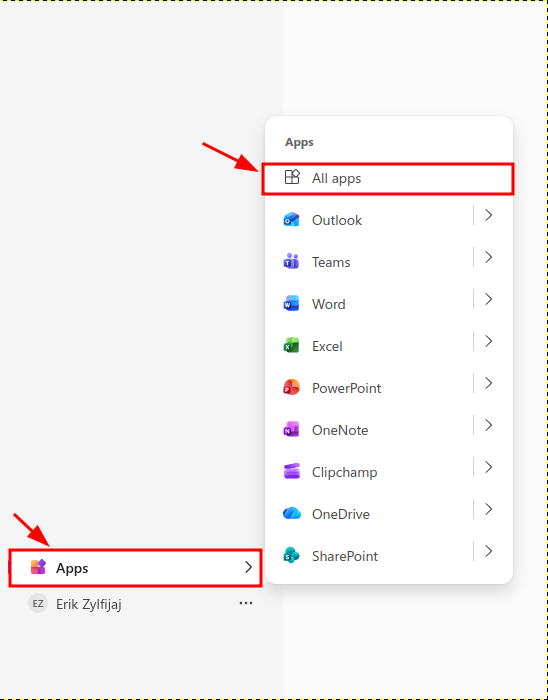
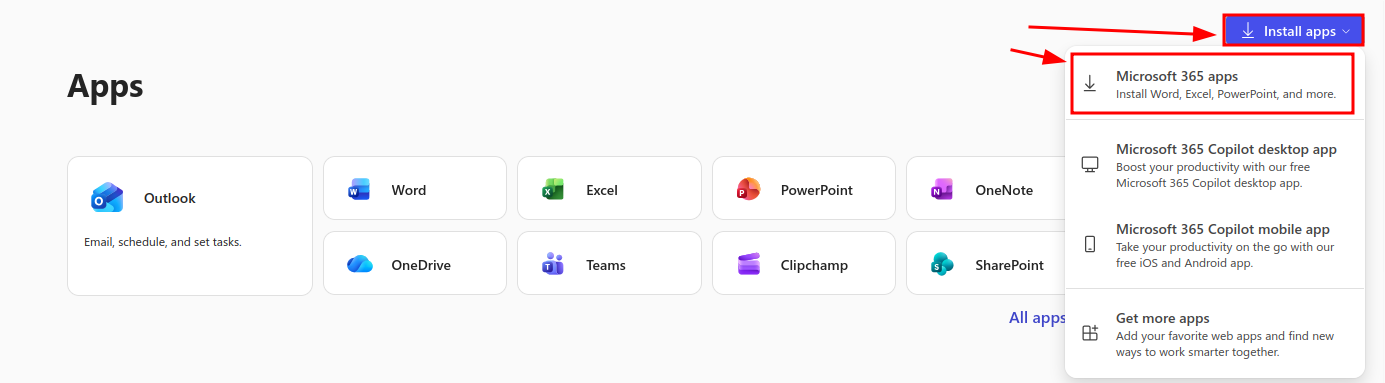
Choose: Apps > All apps > Install apps > Microsoft 365 apps
- Start the downloaded apps.
- During the first start, you'll be asked to sign in to your UZH Microsoft Account.