eps Files
Change Text in a eps file
- Open eps file with Inkscape (Thinlinc: Applications > Graphics > Inkscape).
- Select the text with the mouse.
- The text might be grouped (if selecting only the text is not possible): ungroup the object 'right mouse button > ungroup'. Repeat this until only the text can be selected.
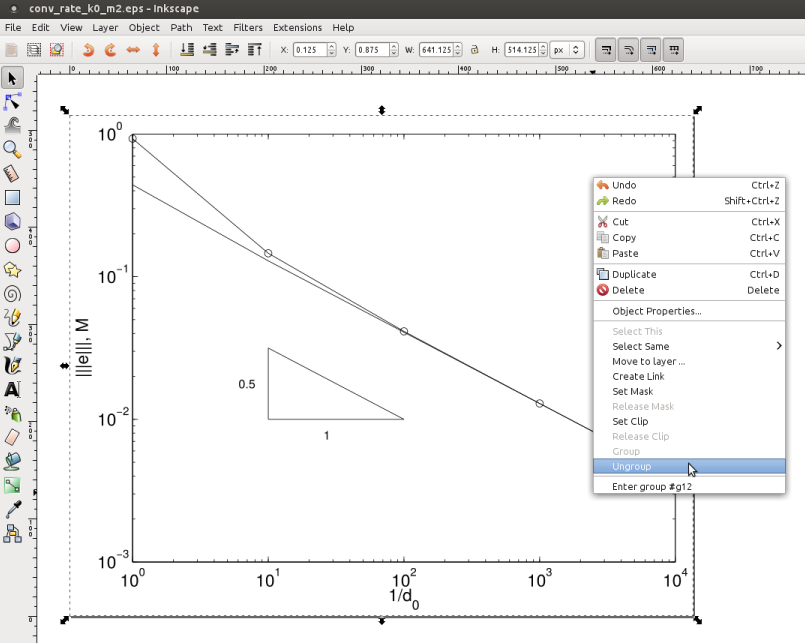 .
.
- Change the text.
- Export as EPS
- File > Save As > .eps
Import Mathematica EPS files into Scientific Worklplace (SWP)
- Scientific Word can't import Mathematica EPS Files
- In Thinlinc open a terminal and type:
eps-mm2swp.sh <file.eps>