|
Size: 662
Comment:
|
Size: 766
Comment:
|
| Deletions are marked like this. | Additions are marked like this. |
| Line 13: | Line 13: |
| 2.) Open the Folder with the highest Version (newest) by double-clicking it. | 2.) Open the folder with the highest version number (newest) |
| Line 16: | Line 16: |
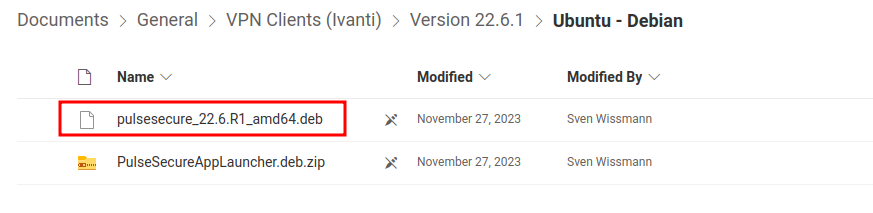
3.) Open "Ubuntu - Debian" --> Download the file ending with ".deb" {{attachment:/home/b/alrutz/Documents/3.png}} |
VPN
Windows / MacOS / iOS / Android Setup-Guides:
https://www.zi.uzh.ch/de/support/netzwerk/vpn_ISAC.html
Linux Ubuntu Setup-Guide:
1.) Open UZH-Sharepoint VPN Access Folder: UZH-Sharepoint
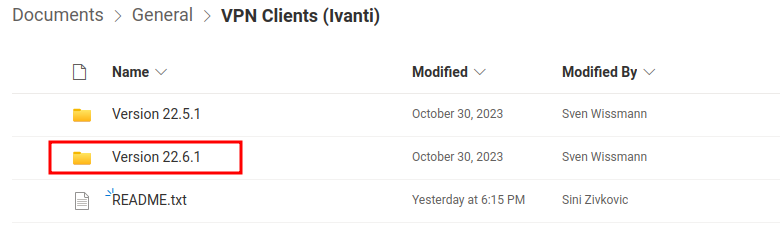
2.) Open the folder with the highest version number (newest)
3.) Open "Ubuntu - Debian" --> Download the file ending with ".deb"