Switch Cast
Switch Cast allows you to cut and publish videos to switch tube.
Login with AAI: https://cast.switch.ch
Create a Series
Every video has to be part of a series. Usually the Series would be a module or seminar, each with multiple lectures / talks.
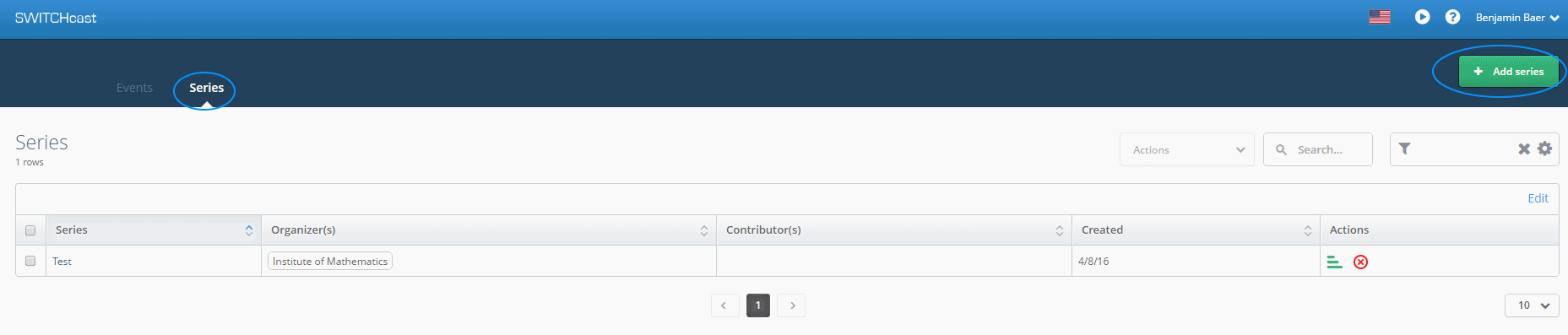
- Switch to Series and click on New Series
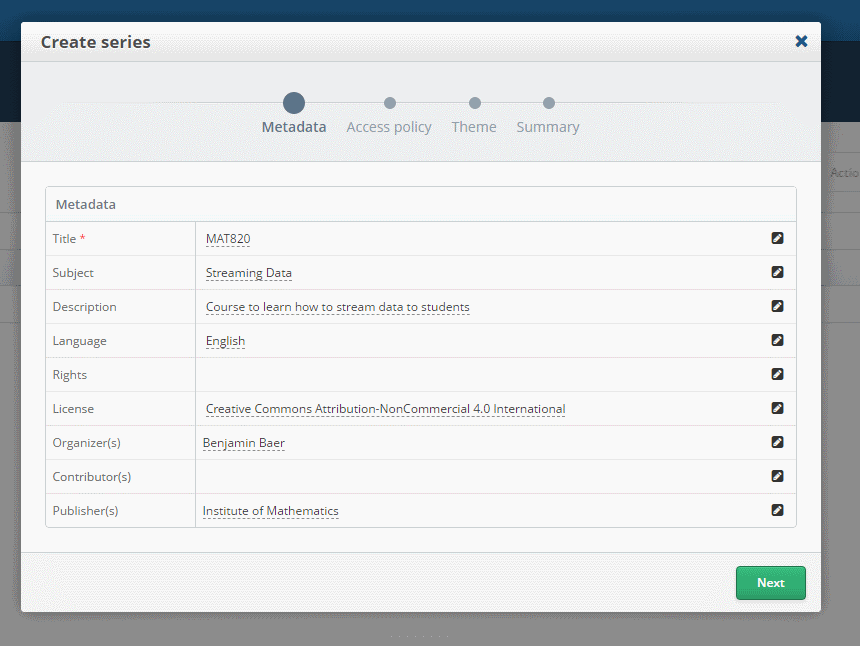
- Fill out the Meta Information and choose a license
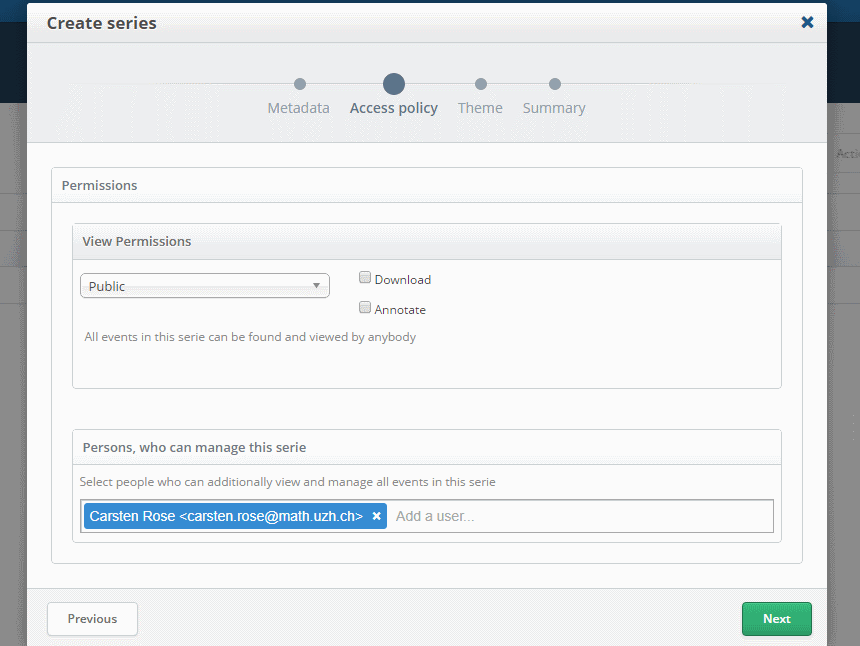
- Set Permission of who can view and who can add / edit videos in this Series.
- Select the Theme of the Series
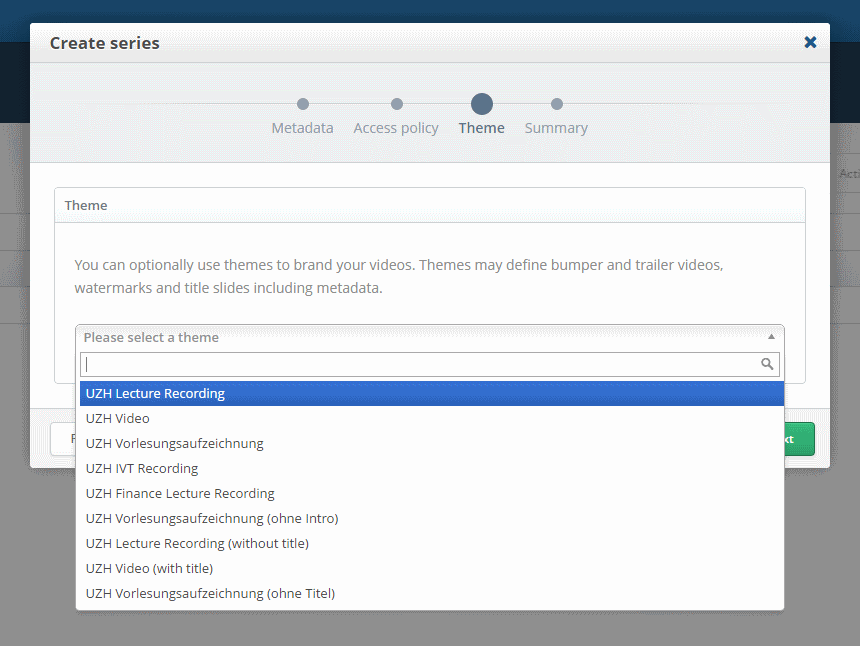
- Click on Finish if everything is correct.
Create an Event
Events are the actual videos, each Series can have multiple Events.
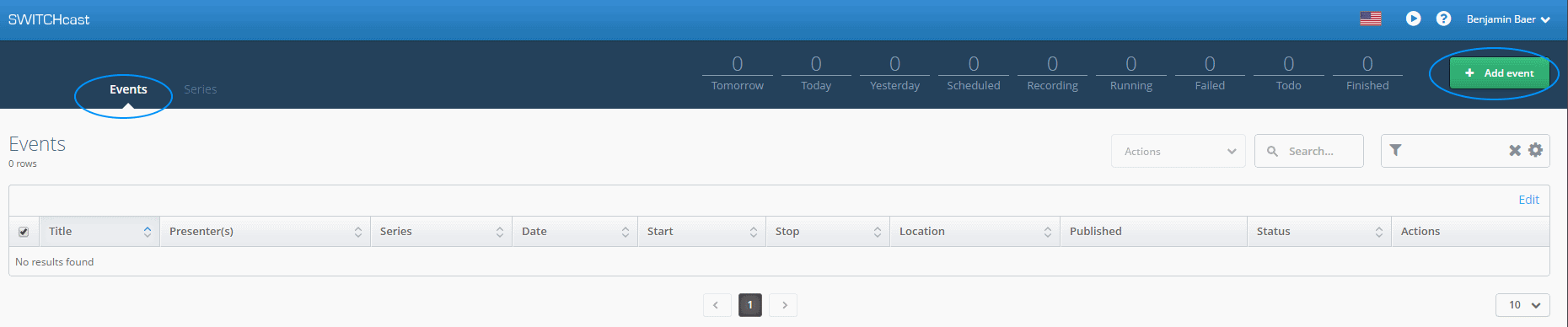
- Switch to the Events Tab and click on Add Event
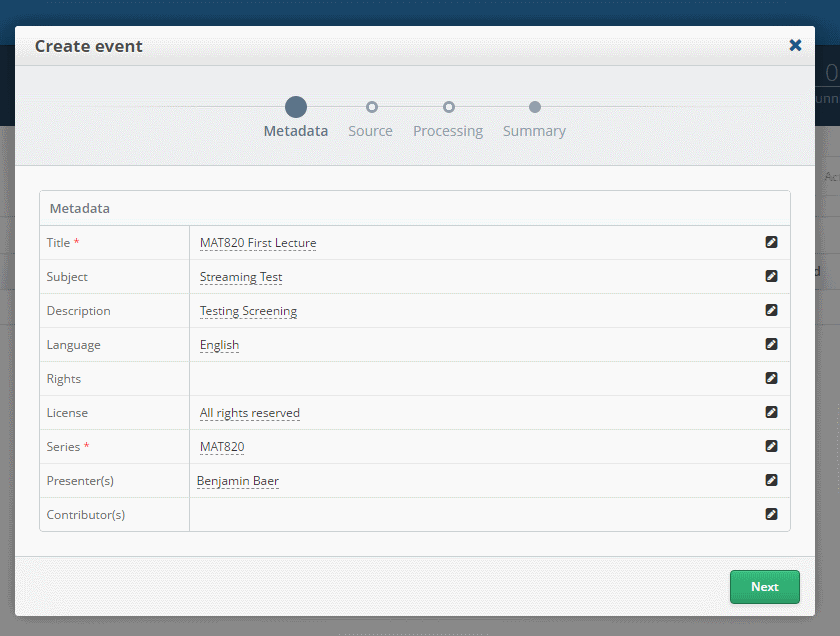
- Fill out the Meta Data and choose the correct Series
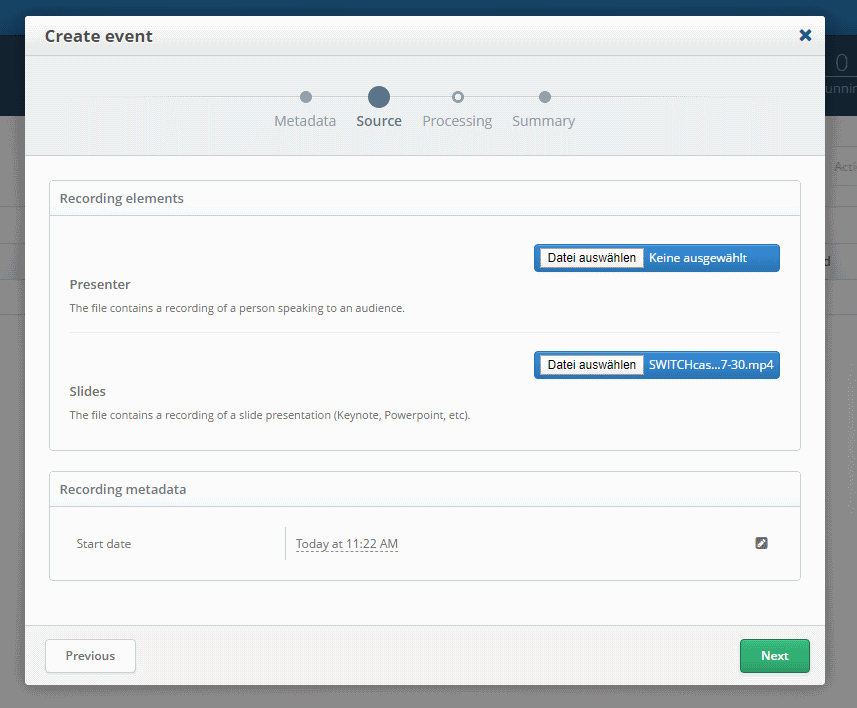
- Upload your Videos, at least one Video needs to be provided. Slides would be the Desktop Recording.
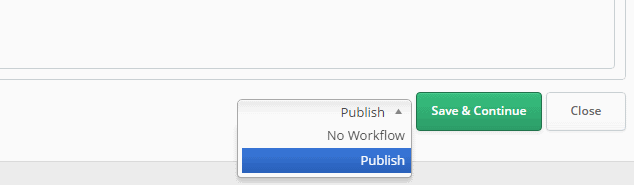
- Here you can select if you want to publish it directly or cut before publishing.
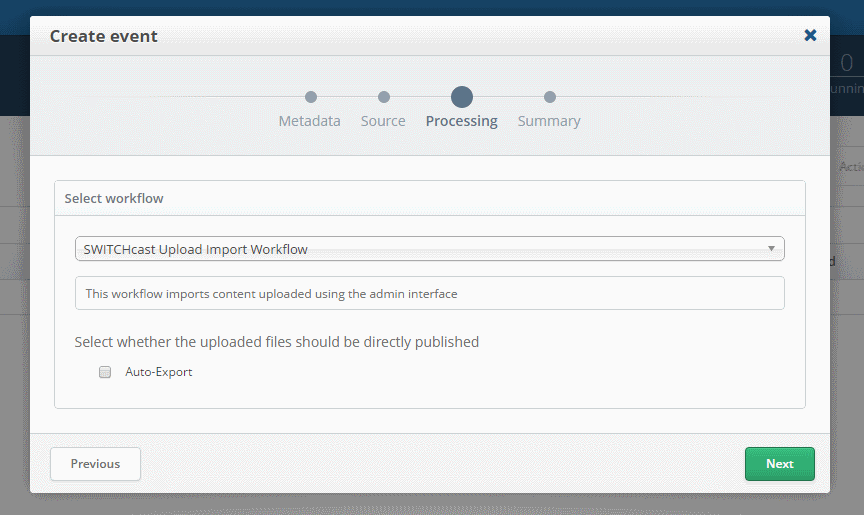
- Click on Create if everything is correct.
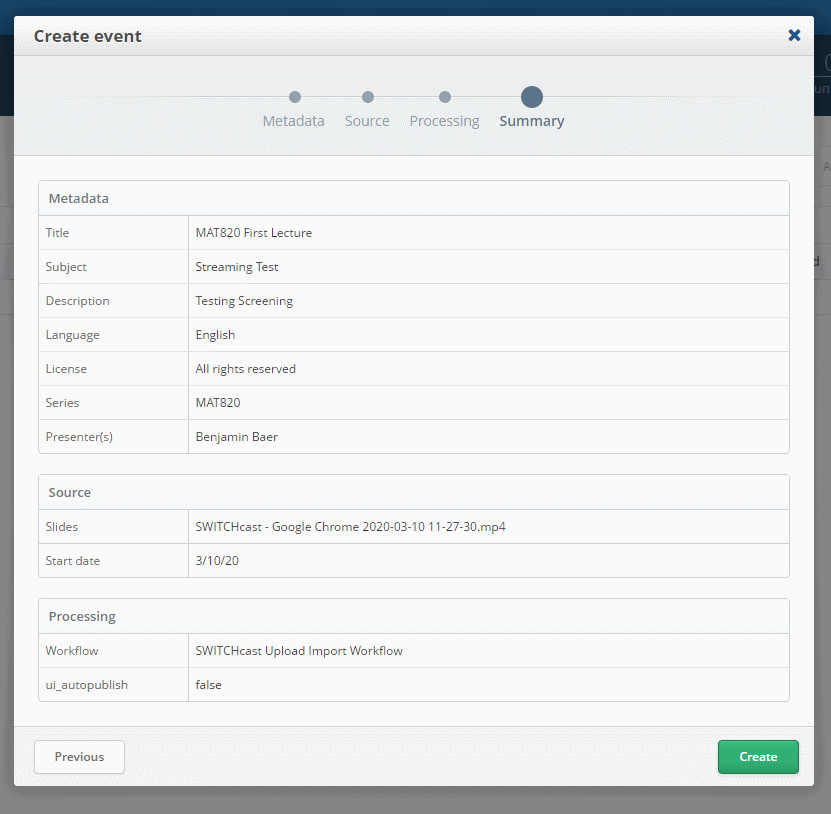
- You will see a processing Event in the Overview.

Cutting
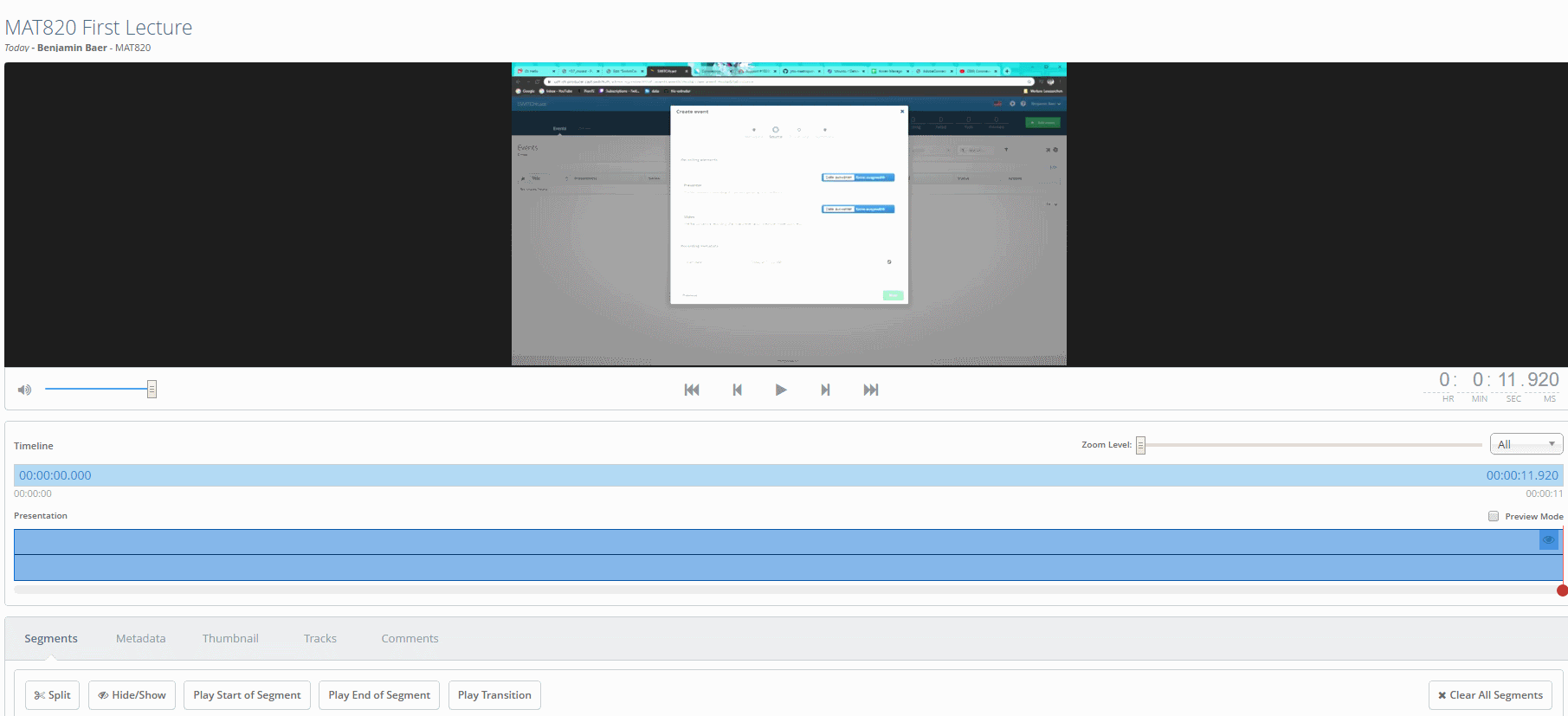
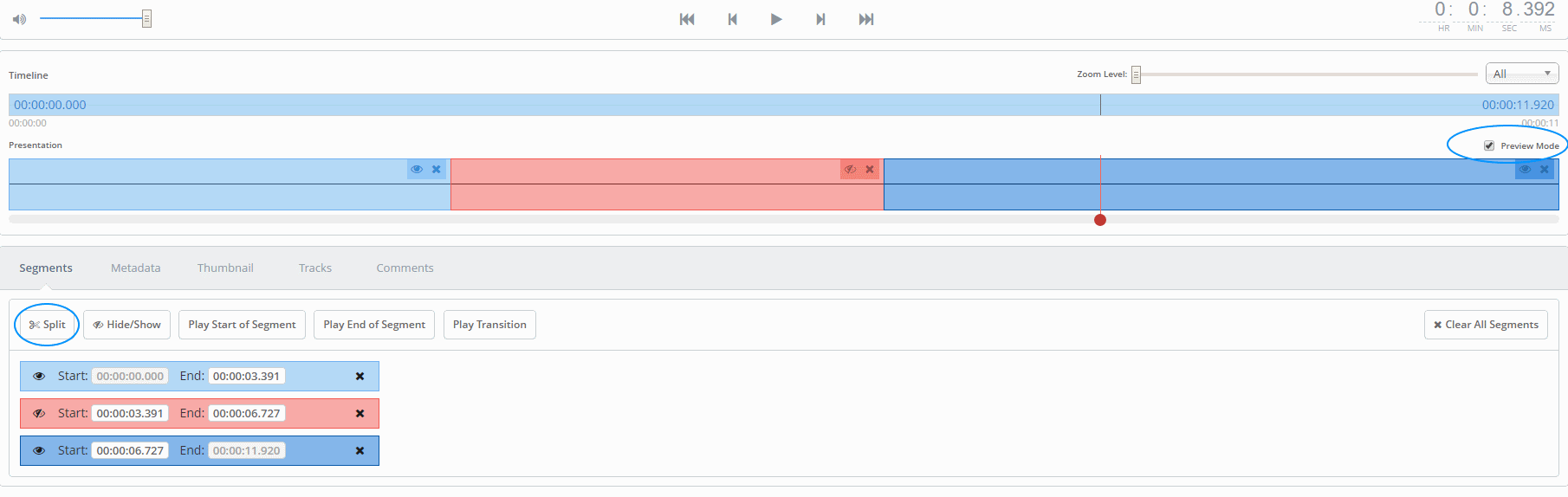
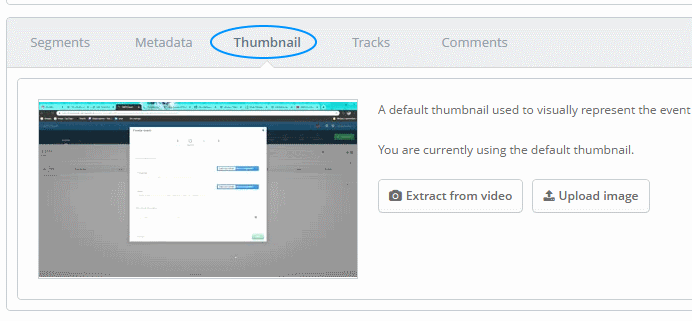
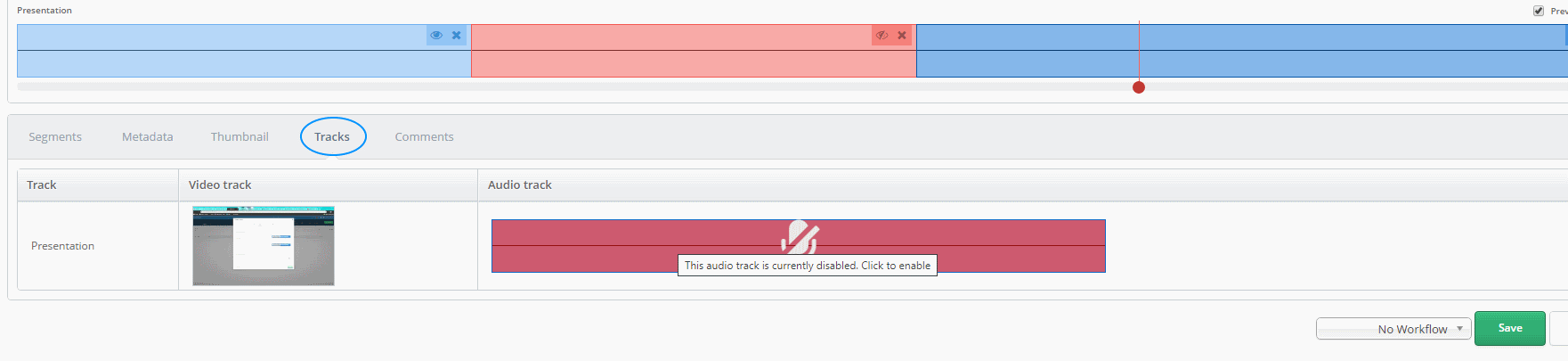
If you didn't choose to publish your video directly, you can cut it inside cast. Wait for the Import to finish and start cutting.